
The workspace: chart, watchlist, plans and alerts
Keep a chart, a watchlist, tracked plans, alerts and pinned cards beside your chat, across every chat.
On this page
The workspace keeps a chart, a watchlist, tracked plans, alerts and pinned cards beside your chat, and it stays the same across every chat.
What is the EZRA workspace?
The workspace is the panel on the right of the chat. Open or close it from the command palette with "Toggle workspace". It has these tabs:
| Tab | What it shows |
|---|---|
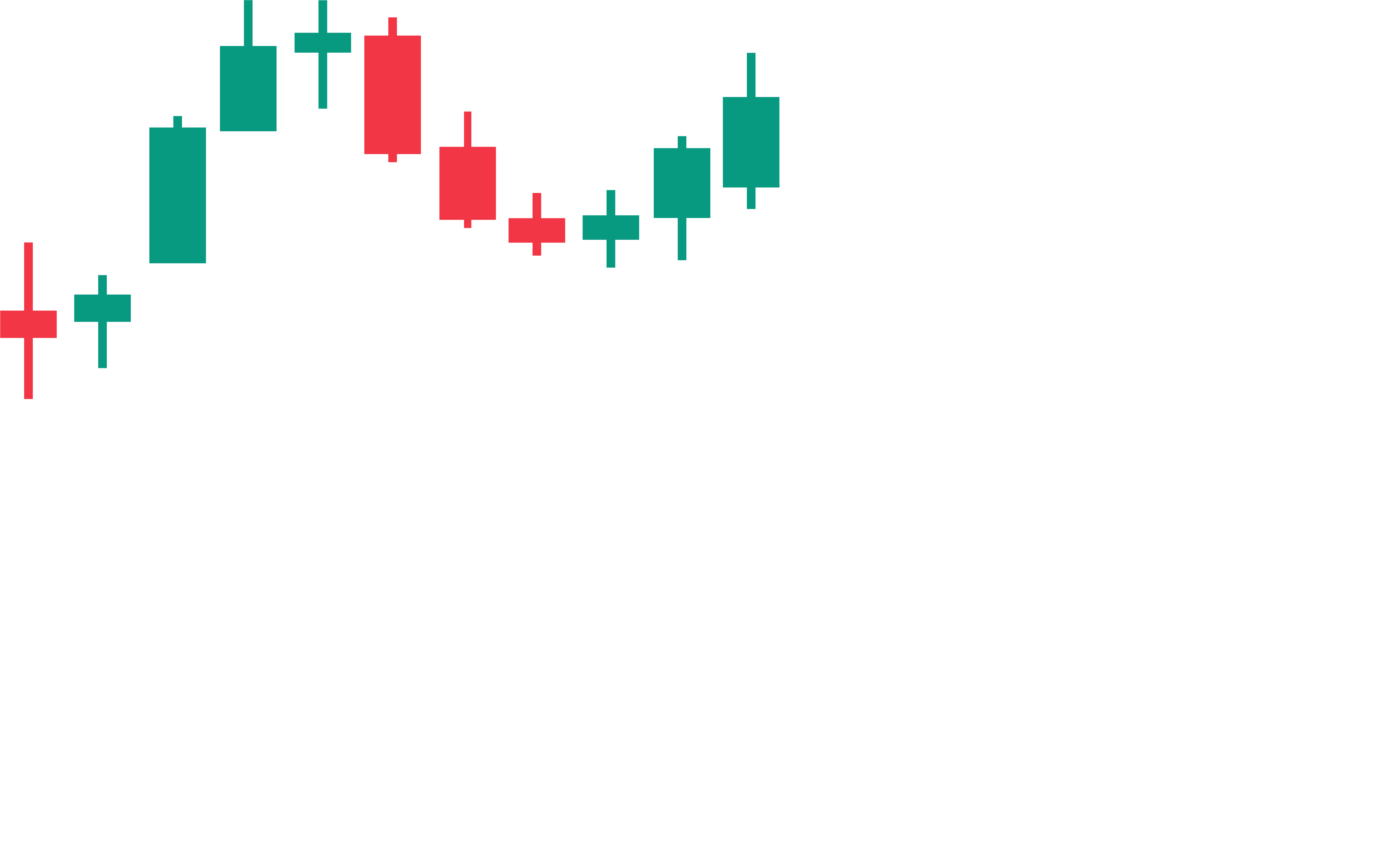
| Chart | A chart of the ticker you are asking about. |
| Watchlist | Tickers you follow, with price and nearest level. |
| Levels | Key levels for the current ticker. |
| Plans | Trade plans EZRA is tracking for you, and your journal. |
| Alerts | Price alerts you set. |
| Tape | Recent activity for the ticker. |
| News | Recent headlines for the ticker. |
| Pins | Cards you pinned from answers. |
To reorder tabs, focus one and press Alt with the arrow keys.
Pin a card
- Find a card in an answer that you want to keep.
- Press its pin button, Pin to canvas.
- Open the Pins tab. The card is there in every chat.
Follow a watchlist
In the Watchlist tab, type a ticker and press Add. You can name your watchlist and remove tickers one at a time.
Track a trade plan
- Ask for a plan, for example "Swing plan for META".
- Press Track on the trade plan card. It changes to Tracking.
- Open the Plans tab. EZRA follows the entry, stop and targets live.
Closed plans from the last 30 days show in your journal with the result. Cancel a plan you no longer want, and EZRA stops tracking it.
Set an alert
Use New alert in the Alerts tab, or press the bell on any key level. You get a notice when price crosses the level. Turn alerts on or off, or delete them, at any time.
Limits
- Watchlist: 50 tickers.
- Pins: 30 cards.
- Open plans: 20.
- Alerts: 100.
If something goes wrong
If you see "Your pins are full (30). Remove one first.", unpin a card and try again. The same goes for a full watchlist, plans or alerts. "Pin is available once the answer is saved" means you should wait for the answer to finish. If the workspace says it isn't on for your account yet, it opens with the full EZRA launch.
More EZRA guides
- What EZRA is and what an answer contains
- Getting started with EZRA
- Day, Swing and Invest modes
- Asking good questions
- Reading an EZRA answer
- Visuals and answer style
- Playbooks
- Adding files and screenshots
- Sharing a chat
- Usage, allowance and credits
- Data and freshness
- Keyboard shortcuts
- EZRA FAQ and troubleshooting
Frequently asked questions
What is the EZRA workspace?
How do I track a trade plan?
How many items can I keep?
Try it in EZRA
Ask a few questions in the free demo. No sign-up needed. Data in the demo is 15 minutes delayed.
Last updated